How to Create a Fashion Mood Board Using AI
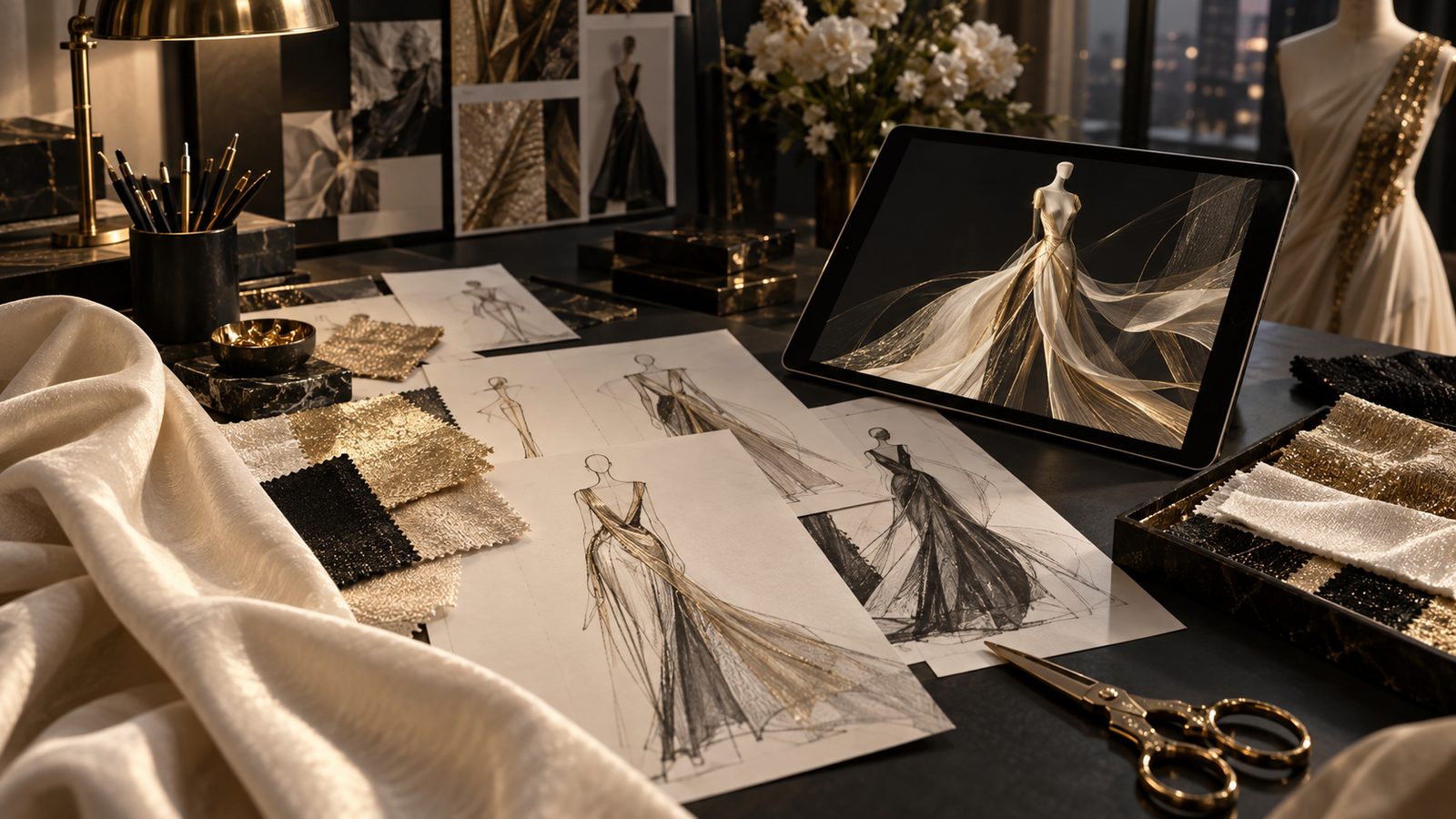
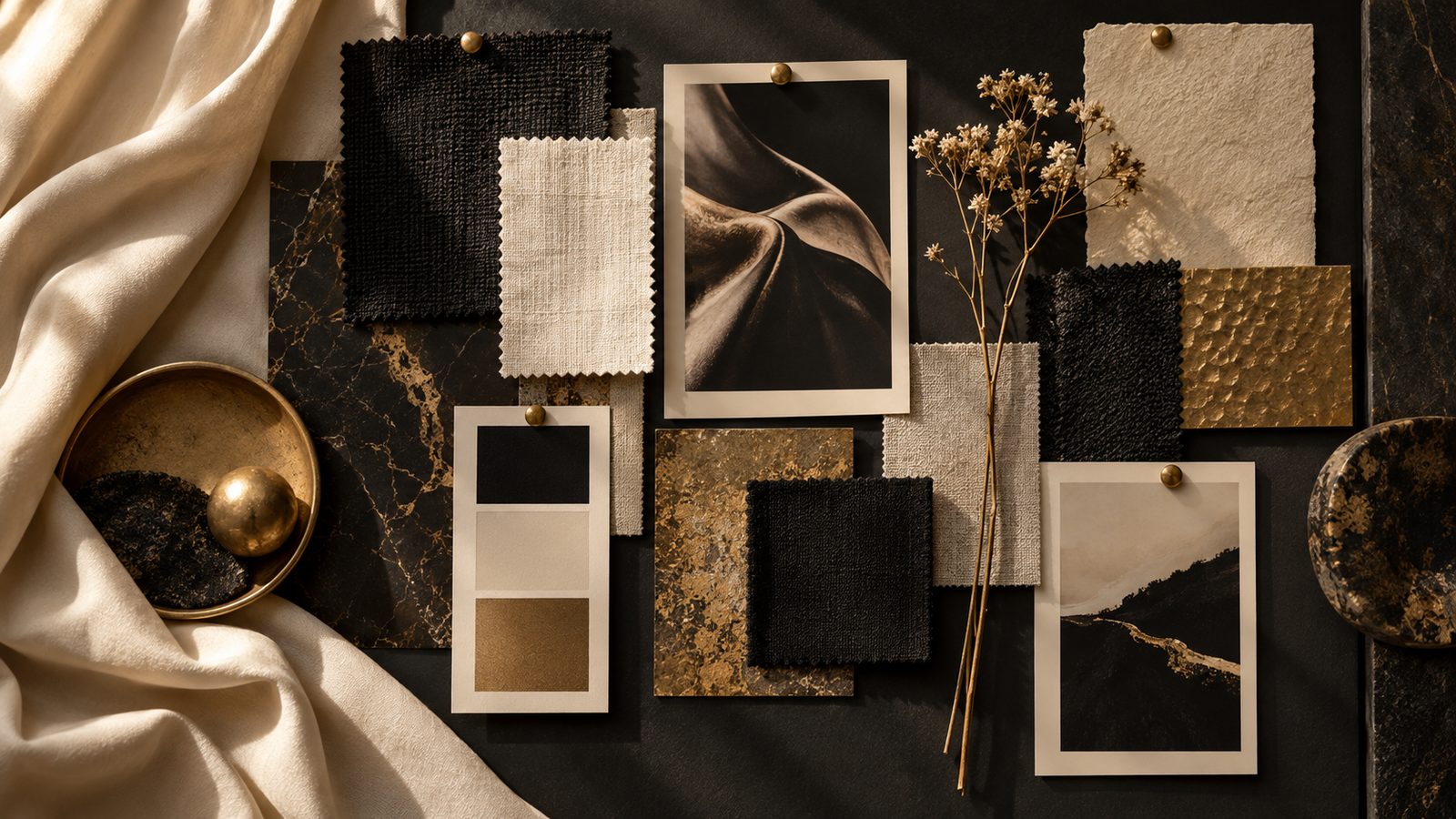
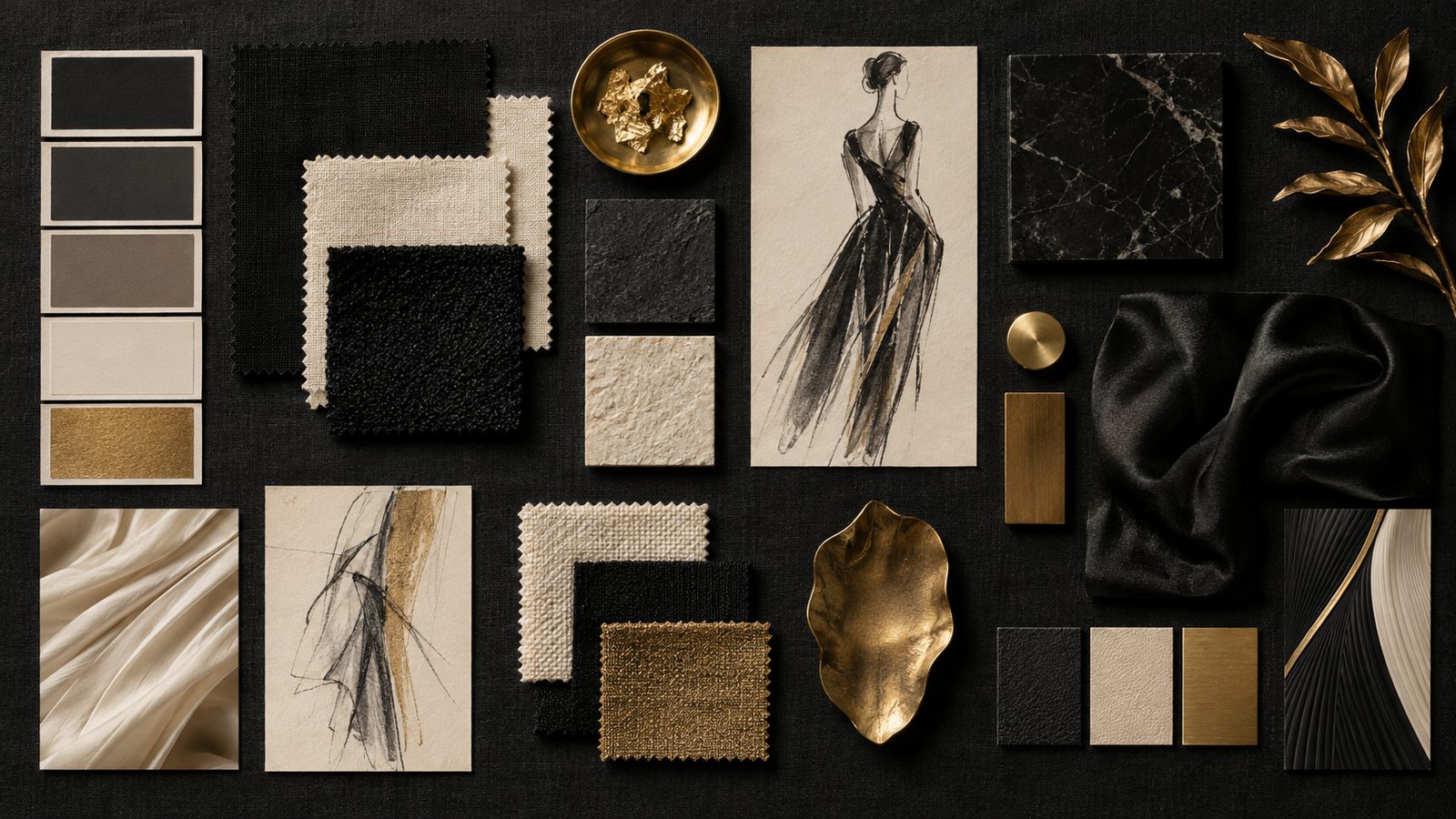
A mood board gathers images, colours, textures and words to set the direction for a collection, shoot or brand.
Short answer
A mood board gathers images, colours, textures and words to set the direction for a collection, shoot or brand. AI can speed up the exploring stage, but a board only works if you decide the story first and then cut hard. This guide shows a method that works with any image tool.
We have not tested specific mood board apps for this draft. Lists of "best AI mood board tools" exist online but many are written by tool vendors, so we do not rank tools here.
1. Decide the story
Write one sentence and three words.
- Sentence: "A monsoon-season capsule for working women, soft, breathable, quietly bright."
- Three words: soft, rain-washed, practical.
Everything on the board must support these. If it does not, remove it.
2. Collect real references first
Gather references you have the right to use or that are only for private inspiration:
- Your own photographs (fabric, streets, architecture, a garden).
- Swatches and physical samples.
- Colour cards.
- Images from museum or library collections whose terms allow your use. Check the licence. For private inspiration only, keep them off public posts.
Real references anchor the board and protect it from looking generic.
3. Use AI to explore gaps
Use an image generator for things you cannot photograph: imagined silhouettes, print ideas, settings. Midjourney's documentation advises short, clear prompts and naming subject, medium, environment, lighting, colour, mood and composition. For a board, generate a small set per category:
- Silhouette: "Fashion illustration, three loose linen dresses, soft pastel palette, plain background."
- Texture and print: "Close-up of a hand-block printed cotton, indigo and white, repeating leaf motif."
- Setting: "Rainy courtyard at dusk, soft light, calm mood."
Label each image "AI-generated" in your file so you remember what is generated and what is real. Also record the prompt and the tool.
Source: Midjourney Docs, Prompt Basics.
4. Edit hard
Pick 9 to 12 images. A useful split: three for silhouette, three for texture, three for colour, two to three for mood or setting. Remove anything that is similar to another image. Check that the colours sit together on screen.
5. Add a palette and words
Pull five to six colours from the board and note them as swatches. Add the three words and a one-line brief. Add fabric names you plan to source.
6. Present it
Arrange on a simple grid in a design or slide tool. Leave white space. Give the board a title and date. If you share it with clients, say which images are AI-generated.
7. Rights and honesty
- Generated images may not be protected by copyright unless a human determined sufficient expressive elements. The US Copyright Office said in January 2025 that prompts alone are not enough, and that human arrangement or modification of output can count. A mood board that you arrange yourself is your creative work, but individual AI images in it may not be protectable. Not legal advice.
- If a board will be shown publicly or used in advertising, replace references you do not have rights to.
- If the board mimics a specific designer's collection, that is a risk. Aim for inspiration, not copying.
Source: U.S. Copyright Office, 29 Jan 2025.
8. Checklist
- Story sentence and three words written.
- Real references gathered first.
- AI used only to fill gaps.
- 9 to 12 images, no duplicates.
- Palette and words added.
- AI images labelled.
- Rights checked before public use.
9. Using Midjourney's style tools for a board (one example)
Midjourney's Style Reference page says a style reference captures the visual vibe of an existing image, such as colours, medium, textures and lighting, without copying objects or people, and keeps a series visually consistent. Its best practices: keep the text prompt simple, avoid style words that conflict with the reference, and describe what you want to see rather than how to change the reference. It also describes a Style Explorer for browsing style codes, and style weight (--sw, 0 to 1000, default 100). The Parameter List adds --tile for seamless repeating patterns, --ar for aspect ratio and a Personalization option that uses profiles and moodboards. The Style Reference page says --sw is not compatible with Moodboards. Features and compatibility change by version, so check the current pages. We read them on 24 Nov 2026 and did not run them.
How to use this: upload your own photo of a fabric or a colour card as the style reference, then generate silhouettes or settings that share its colour and light. This keeps the board coherent.
Sources: Midjourney Style Reference; Midjourney Parameter List.
10. A board layout you can copy
Use a 3 by 4 grid:
- Row 1: three silhouette images
- Row 2: three texture or print images
- Row 3: three setting or mood images
- Row 4: a palette strip of five swatches, the three words, and a one-line brief
Each image gets a small label: real photo, sample, or AI-generated. This tells a client or a collaborator what is evidence and what is imagination.
11. Common mistakes
- Too many images. More than 12 usually means no decision was made.
- Colour drift. Screen colours differ from fabric. Always request a physical swatch before committing to a dye lot.
- All AI. A board made only of generated images can look polished and generic. The real references are what make it yours.
- Hidden sources. Keep a list of where each real reference came from.
- Copying. Do not rebuild a specific designer's collection from a board.
12. From board to brief
Turn the board into a one-page design brief: story sentence, three words, palette, fabric list, silhouette notes and a list of items to design. Use the design article on this site for the next step.
13. A worked example of the process
Take the monsoon capsule from step 1. Start with six of your own photos: a wet courtyard, a block-printed cotton swatch, a colour card, a linen sample, a garden leaf and a doorway. Generate three silhouette sketches and two print ideas to fill what you cannot photograph. That gives eleven images. Drop two near-duplicates and keep nine. Pull five colours from the swatch and colour card. Label the generated images, write the one-line brief, and ask one person who has not seen your notes to name the mood in three words. If their words differ from yours, the board is sending a mixed message. Remove the images that pull away from your three words and look again. This is an illustrative walk-through, not a result from a real project.
14. Reviewing a board with someone else
Show the board for one minute, hide it, and ask what they remember. The strongest two or three images are what the board really says. Keep those and rework the rest. Repeat once, then stop. A board that is endlessly adjusted is usually avoiding a design decision.
What we do not know
- Which tool is best. We did not test.
Sources
Midjourney, Prompt Basics: https://docs.midjourney.com/hc/en-us/articles/32023408776205-Prompt-Basics
U.S. Copyright Office, 29 Jan 2025: https://newsroom.loc.gov/news/copyright-office-releases-part-2-of-artificial-intelligence-report/s/f3959c36-d616-498d-b8f9-67641fd18bab
Midjourney, Style Reference and Parameter List (read 24 Nov 2026): https://docs.midjourney.com/hc/en-us/articles/32180011136653-Style-Reference and https://docs.midjourney.com/hc/en-us/articles/32859204029709-Parameter-List
Editorial note
AI-assisted, source-linked editorial. No firsthand product or tool testing is claimed. Tutorials and prompts are illustrative workflows, not tested results.
- Tool recommendations deliberately omitted because available lists are vendor-written and untested. Midjourney is described only as one example, from its own documentation.
- Example prompts are untested templates.
Source links
- https://docs.midjourney.com/hc/en-us/articles/32023408776205-Prompt-Basics
- https://docs.midjourney.com/hc/en-us/articles/32180011136653-Style-Reference
- https://docs.midjourney.com/hc/en-us/articles/32859204029709-Parameter-List
- https://newsroom.loc.gov/news/copyright-office-releases-part-2-of-artificial-intelligence-report/s/f3959c36-d616-498d-b8f9-67641fd18bab
Written by Pooja Ruhela, Founder & Editor · The Modera Society